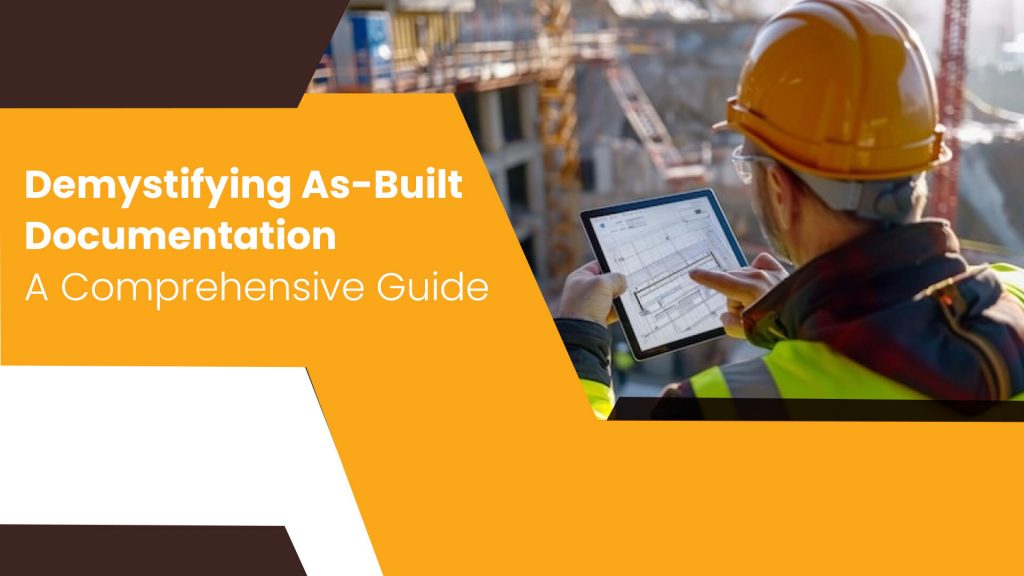


As-built documentation is a critical aspect of the construction and engineering industries, serving as a comprehensive record of a project’s final state. It encompasses as-built drawings and other pertinent documents that meticulously detail the project’s actual condition after completion, including any modifications made during construction.
–
The Significance of As-Built Documentation:
As-built documentation plays a pivotal role in various stages of a project’s lifecycle. It provides invaluable insights for facility management, maintenance, renovations, and future expansions. These documents ensure that all stakeholders have a clear understanding of the project’s current state, reducing the risk of errors and delays during subsequent work.
Work Smarter, Not Harder
iFieldSmart empowers your team with AI-driven efficiency to simplify scheduling, boost collaboration, and keep projects on track.
Schedule a Meeting–
Challenges in Creating As-Built Documentation:
Creating as-built documentation traditionally involved manual processes, which were often time-consuming, prone to errors, and challenging to keep up to date. The sheer volume of information and the complexity of construction projects made it difficult to maintain accurate records.
–
Benefits of As-Built Drawings Software:
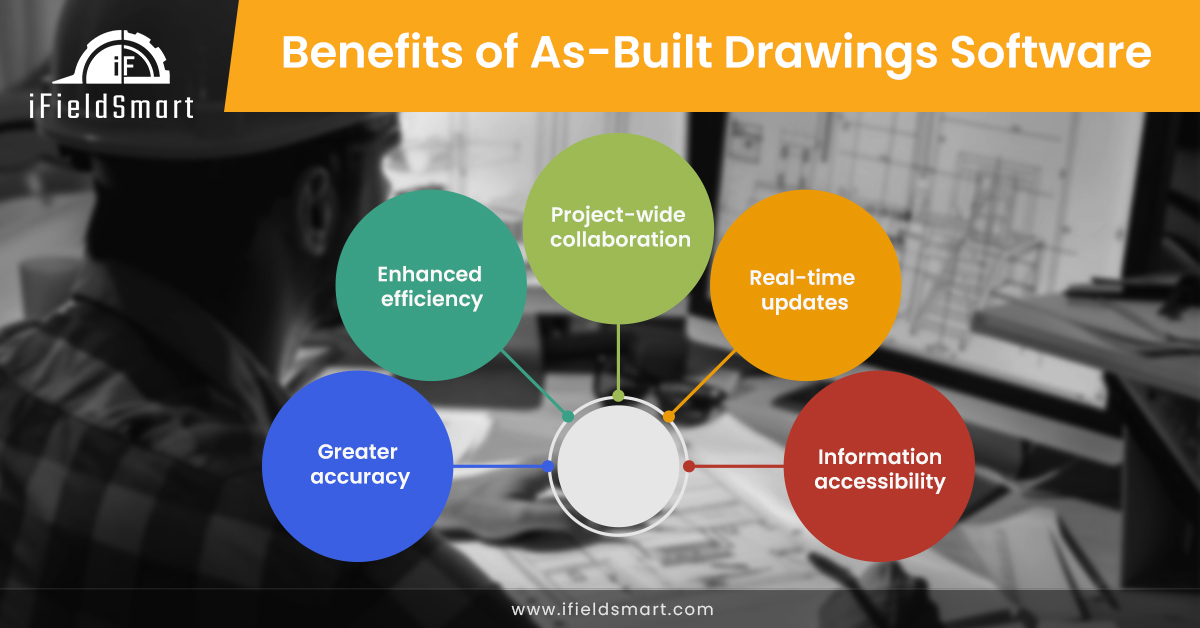
As-built drawings software has revolutionized the way as-built documentation is created and managed. It offers numerous benefits, including:
Improved Accuracy: Digital tools minimize human errors and ensure precise documentation.
Increased Efficiency: Automation streamlines workflows, saving time and resources.
Enhanced Collaboration: Cloud-based solutions facilitate seamless collaboration among stakeholders.
Real-time Updates: Changes can be tracked and documented in real-time.
Data Accessibility: Information is readily available for all authorized personnel.
–
Top 10 As-Built Drawings Software:
1. Autodesk BIM 360: A comprehensive construction management platform integrating BIM, project management, and field collaboration. It enables real-time data sharing, version control, and issue tracking for as-built documentation. Its cloud-based nature facilitates collaboration among project stakeholders, ensuring everyone is on the same page.
2. Procore: A robust project management software offering document control, quality and safety management, and real-time project insights. It streamlines the as-built process with centralized document storage, versioning, and markups. Its mobile app empowers field teams to capture and share as-built data on the go.
3. PlanGrid: A popular field collaboration tool known for its intuitive interface and seamless integration with other construction software. It allows for easy markup and sharing of as-built drawings, facilitating communication between the field and office. Its offline capabilities ensure uninterrupted access to as-built information even in remote areas.
4. Bluebeam Revu: A versatile PDF editor and collaboration platform extensively used in the construction industry. It offers powerful markup tools, digital signatures, and 3D model integration for as-built documentation. Its customizable toolsets cater to specific workflows, enhancing productivity and accuracy.
5. Aconex: An enterprise-grade document and project management solution for large-scale construction projects. It provides a secure platform for storing, sharing, and reviewing as-built drawings and other project documentation. Its robust workflows ensure compliance with industry standards and regulatory requirements.
6. Fieldwire: A user-friendly field management software designed to improve communication and collaboration on construction sites. It allows for easy access to as-built drawings, task assignment, and progress tracking. Its intuitive interface and real-time updates keep field teams informed and productive.
7. iFieldSmart Technologies: A comprehensive as-built drawings software solution specializing in mobile data capture, cloud-based platform, 3D model integration, document management, and collaboration tools. It empowers construction professionals to efficiently capture, manage, and share as-built data, enhancing project visibility and decision-making.
8. ConstructConnect: A construction data and technology platform offering a wide range of services, including bid management, project leads, and market analysis. Its as-built drawings software integrates with other project management tools, ensuring a seamless flow of information throughout the project lifecycle.
9. Newforma: A project information management (PIM) solution that centralizes all project data, including as-built drawings, RFIs, submittals, and correspondence. Its powerful search capabilities and customizable reports enable efficient access to as-built information, facilitating informed decision-making.
10. Oracle Aconex: A cloud-based construction collaboration platform offering document management, workflow automation, and project controls. Its robust features streamline the as-built process, ensuring accurate and timely documentation. Its integration capabilities enable seamless data exchange with other construction software.
–
iFieldSmart Technologies: A Powerful Solution for As-Built Drawings:
iFieldSmart Technologies is a leading provider of as-built drawings software. It offers a comprehensive suite of tools that empower construction professionals to efficiently capture, manage, and share as-built data. Its intuitive interface, robust features, and integration capabilities make it a preferred choice for many organizations.
–
Key Capabilities of iFieldSmart:
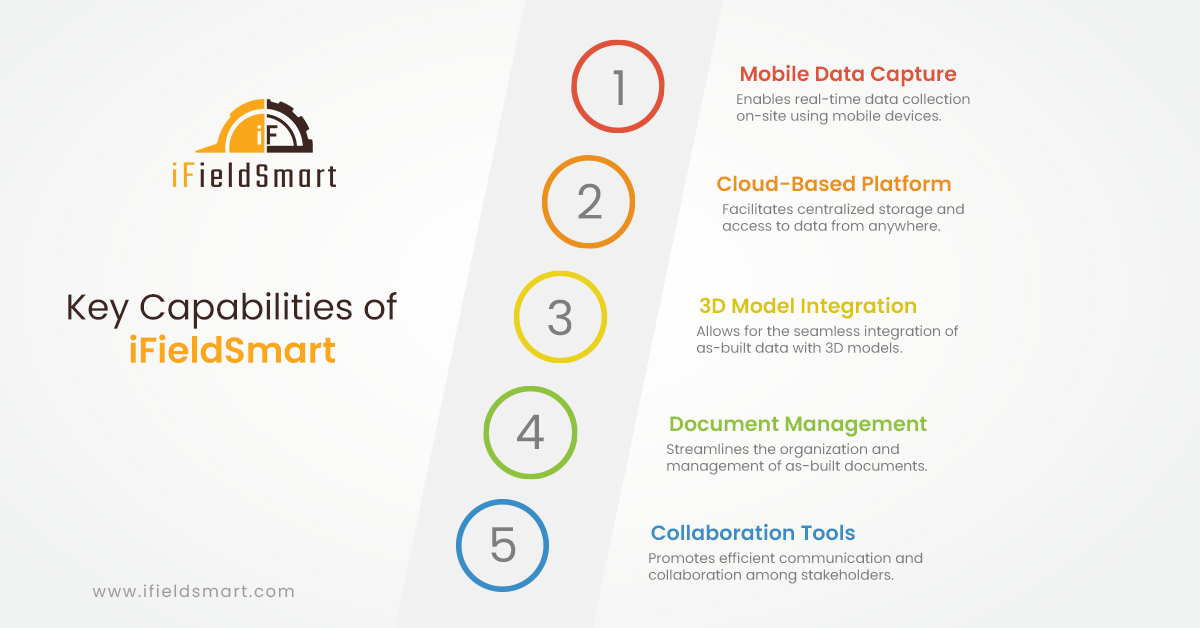
Mobile Data Capture: Enables real-time data collection on-site using mobile devices.
Cloud-Based Platform: Facilitates centralized storage and access to data from anywhere.
3D Model Integration: Allows for the seamless integration of as-built data with 3D models.
Document Management: Streamlines the organization and management of as-built documents.
Collaboration Tools: Promotes efficient communication and collaboration among stakeholders.
–
Top 15 FAQs about As-Built Documentation and Software
1. What is as-built documentation?
– As-built documentation is a comprehensive record of a project’s final state, including drawings, specifications, and other relevant documents that reflect any changes or modifications made during construction.
2. Why is as-built documentation important?
– As-built documentation is crucial for facility management, maintenance, renovations, and future expansions. It ensures accurate information about a project’s current state, reducing the risk of errors and delays in subsequent work.
3. What are as-built drawings?
– As-built drawings are detailed plans that accurately represent the final constructed condition of a project. They include all modifications made during construction, making them an essential reference for future work.
4. What is as-built drawing software?
– As-built drawings software are digital tools that streamline the creation, management, and sharing of as-built drawings and related documentation. They offer features like data capture, 3D model integration, and collaboration tools.
5. What are the benefits of using as-built drawing software?
– As-built drawings software improves accuracy, increases efficiency, enhances collaboration, enables real-time updates, and ensures data accessibility, ultimately saving time and resources.
6. What are some popular as-built drawings software options?
– Some popular options include Autodesk BIM 360, Procore, PlanGrid, Bluebeam Revu, Aconex, Fieldwire, iFieldSmart Technologies, ConstructConnect, Newforma, and Oracle Aconex.
7. How does as-built drawings software improve accuracy?
– Digital tools minimize human errors and enable precise data capture, ensuring accurate representation of the as-built conditions.
8. How does as-built drawings software enhance collaboration?
– Cloud-based solutions facilitate seamless sharing of as-built data, enabling real-time collaboration and communication among project stakeholders.
9. Can as-built drawings software integrate with 3D models?
– Yes, many as-built drawings software options offer integration capabilities with 3D models, allowing for a more comprehensive understanding of the project’s final state.
10. What are the key features to look for in as-built drawings software?
– Key features include mobile data capture, cloud-based platform, 3D model integration, document management, collaboration tools, and customization options to fit specific workflows.
11. How is AI and ML impacting as-built drawings software?
– AI and ML are being integrated to automate data analysis, identify discrepancies, and generate insights, leading to more efficient and accurate as-built documentation processes.
12. What are some challenges in creating as-built documentation?
– Challenges include manual processes, potential for errors, difficulty in keeping information up-to-date, and the complexity of managing large volumes of data.
13. How does as-built drawings software address these challenges?
– As-built drawings software automates processes, minimizes errors, enables real-time updates, and provides centralized data management, overcoming many of the traditional challenges.
14. What is the future of as-built drawing software?
– The future of as-built drawings software lies in further integration with AI and ML, leading to even greater automation, accuracy, and efficiency in creating and managing as-built documentation.
15. Is as-built drawings software suitable for all types of construction projects?
– Yes, as-built drawings software is adaptable to various project types and sizes, offering scalable solutions to meet the specific needs of different construction projects.
–
Impact of AI and ML on As-Built Drawings Software:
Artificial intelligence (AI) and machine learning (ML) are poised to transform as-built drawings software further. These technologies can automate data analysis, identify discrepancies between design and as-built conditions, and generate insights for proactive decision-making. AI-powered tools can significantly enhance the efficiency and accuracy of as-built documentation processes.
–
Conclusion:
As-built documentation is an indispensable asset for any construction or engineering project. As-built drawings software has emerged as a vital tool for creating and managing these documents, enabling organizations to improve accuracy, efficiency, and collaboration. With the continuous advancements in AI and ML, the future of as-built drawings software is incredibly promising, offering even greater potential for streamlining workflows and maximizing project outcomes.
Embracing as-built drawings software like iFieldSmart Technologies is a strategic move for organizations seeking to optimize their as-built documentation processes and unlock the full potential of their projects.